Image to Video AI: Bring Any Photo to Life
Pick a photo, say what should happen (or leave it to the AI) and get a 5-second moving clip with sound: people smile and move, hair blows in the wind, the camera drifts. It's made by a top AI video model in about 2 minutes, and it's part of ClipUtils Pro: 6 clips a month with Pro Monthly.
Your photo goes to the AI video model only to make your clip. More
Unlike our other tools, a clip can't be made on your phone: it takes a large AI video model (Wan, PixVerse or P-Video) on powerful servers, reached through DeepInfra. Your photo and words are sent there to make it, and ClipUtils doesn't keep them. Use photos you have the right to use, and don't make clips to mislead anyone about a real person.
What it makes: a photo, then the clip
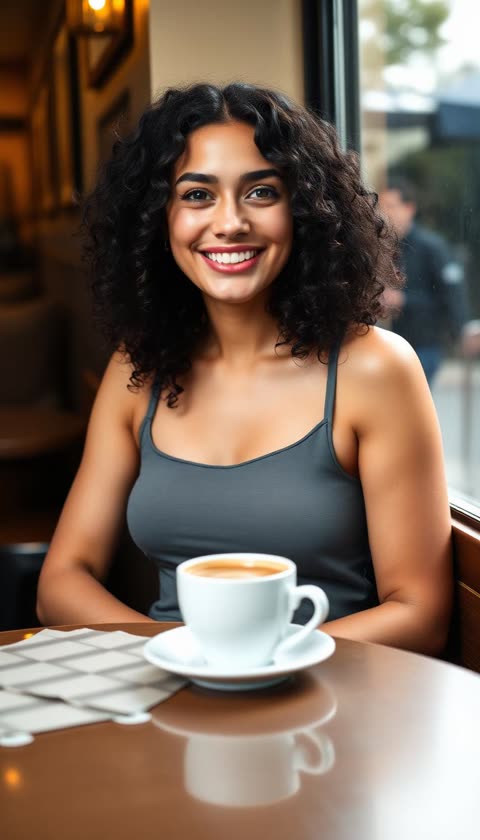
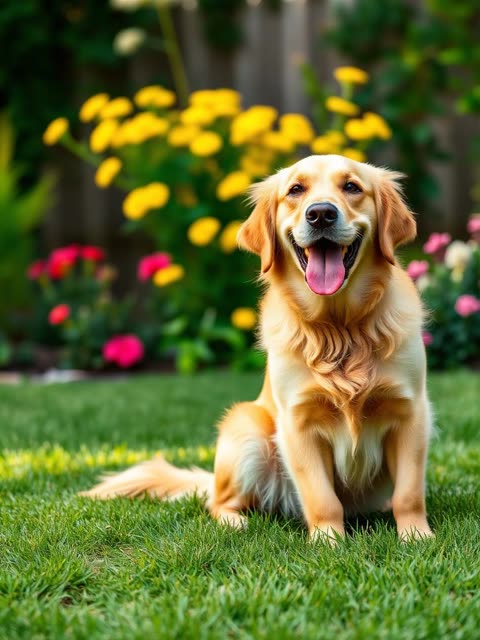
Pick a photo
A person, a pet, a place or an old family photo. JPG, PNG, WebP or HEIC.
Click, tap, drop, or paste (Ctrl+V)Part of Pro: 6 clips a month with Pro Monthly. Each is made by a top AI video model in about 2 minutes.
How to turn a photo into a video
Pick a photo
A person, a pet, a place or an old family photo: JPG, PNG, WebP or an iPhone's HEIC.
Say what should happen
For example "She smiles and waves", or tap an idea. Leave it empty and the AI adds gentle, natural motion.
Make it move
A top AI video model makes the clip in about 2 minutes. You can lock your phone or switch apps meanwhile.
Download or share
Save the MP4, or share it straight to Instagram, TikTok, WhatsApp or YouTube.
What people make with it
Old family photos that move again: grandparents who blink and smile, a wedding picture that comes alive. Pets that wag and look around. Travel photos where the water flows and the clouds drift. Selfies and portraits made into a short clip for a Reel, a Story or a WhatsApp Status.
Creators use it to open a video with a moving picture instead of a still, to make a product photo turn and catch the light, or to give an illustration a little life.
How the clip is made
The clip is made by Wan 3.0, a large AI video model from Alibaba that, in our test of four models, kept faces and light closest to the photo. It takes your photo as the first frame and imagines the next 5 seconds, with sound to match the scene. If it's busy or slow, PixVerse V6 makes the clip instead, and P-Video after that, so you get a clip either way.
Unlike our other tools, this can't run on your phone: a video model this size needs powerful servers. Your photo and words are sent through DeepInfra to the model to make your clip, and ClipUtils doesn't keep them. The clip is made on the server whatever your phone does, so you can lock it and come back.
Features
Faces kept as they are
Every clip is asked to keep each face, person and detail exactly as in the photo: the thing people notice first.
You choose the motion
Describe it in your own words, or tap an idea: smile and wave, wind in the hair, slow zoom, dance, nature moving.
With sound
The AI adds sound that matches the scene: a café's murmur, birds in a garden, the sea. Or turn it off.
Never left empty-handed
If the first AI model is busy or slow, a backup model makes your clip. A clip that isn't made is never counted.
Frequently asked questions
Is image to video free?
No. Each clip is made by a large AI video model on powerful servers, which costs real money for every clip, so it's part of ClipUtils Pro: 6 clips a month with Pro Monthly, or 1 with the 7-day pass. Every other ClipUtils tool is still free.
How long does it take?
About 2 minutes. You can lock your phone, switch apps or even close the page: the clip is made on our servers, and it shows up when you open the page again (it's kept for a day).
Is my photo uploaded?
Yes, it has to be: the AI video model runs on servers, not on your phone. Your photo and words go through DeepInfra to the model to make your clip, and ClipUtils doesn't keep them. Our other tools never upload your files.
Which photos work best?
Clear, well-lit photos where the faces are easy to see: one or two people, a pet, a landscape. Old prints work well once scanned or photographed straight on. Very dark, blurry or crowded photos move less convincingly.
What if the clip fails?
If the first AI model is busy or too slow, a backup model makes it, without you doing anything. If no clip can be made, it isn't counted against your clips, and you can try again.
Can I post the clips on Instagram, TikTok or YouTube?
Yes. You get an MP4 with sound and no watermark, ready for Reels, Shorts, TikTok and WhatsApp Status.
Is there anything I can't make?
The AI models have a safety check, and won't animate nudity or violence. Use photos you have the right to use, and don't make clips that could mislead people about a real person.
Related: Text to Video · Audio to Video · Remove Background · AI Dubbing · All tools